Troubleshooting
Solana Base58 Characters: Why 0, O, I and l Are Rejected
The Base58 alphabet used by Solana addresses, the four excluded characters, valid substitutions for common words and the errors they cause.
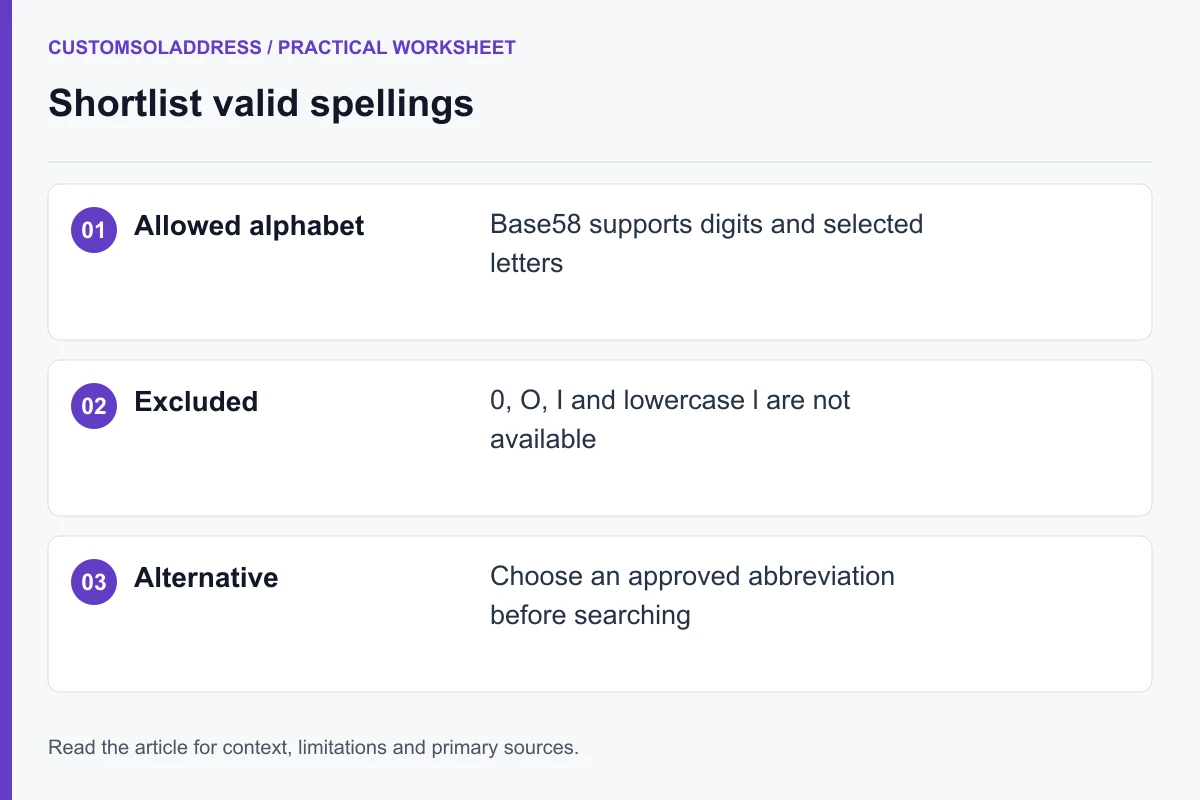
The exact Base58 alphabet Solana uses
Solana encodes every 32-byte public key as Base58 text. The alphabet is the same one Bitcoin introduced: 58 symbols made of nine digits, 24 uppercase letters and 25 lowercase letters. Copy it from the block below rather than retyping it, because the missing characters are exactly the ones that are easy to mistype.
The order matters only to encoders, but the membership matters to you: if a character is not in this string, no Solana address can contain it. That rule applies to wallets, token mints, program IDs and program derived addresses alike, because they all share the same text format. Check your pattern against it before you open the Solana vanity address generator.
Base58 alphabet (58 characters):
123456789ABCDEFGHJKLMNPQRSTUVWXYZabcdefghijkmnopqrstuvwxyz

Digits:     1 2 3 4 5 6 7 8 9           (no 0)
Uppercase:  A-Z except I and O          (24 letters)
Lowercase:  a-z except l                (25 letters)
The four excluded characters and why they are missing
Base58 was designed for strings that humans read and retype, so it drops characters that look alike in common fonts. The digit 0 and uppercase O are confusable with each other, and uppercase I and lowercase l are confusable with each other and with the digit 1. Removing all four from the 62 letters and digits leaves 58 symbols. Base58 also omits the + and / characters used by Base64, so a double-click selects the whole address and it survives being pasted into URLs and filenames.
Note what is still allowed: lowercase o, lowercase i, uppercase L and the digit 1 are all valid. Many failed patterns come from assuming a whole letter is banned when only one case is. The word Sol fails only because of its lowercase l; SoL and So1 are both valid. The Base58 pattern rules in our guide state the same rule in short form.
| Excluded | Looks like | Valid replacements |
|---|---|---|
| 0 (zero) | O, o | o (lowercase), Q, D, 8 depending on style |
| O (uppercase o) | 0, o | o (lowercase), Q, D |
| I (uppercase i) | l, 1 | i (lowercase), 1, L, J |
| l (lowercase L) | I, 1 | L (uppercase), 1, i |
Valid substitutions for common words
Most brand names and words can be rewritten with a single substitution. Prefer substitutions that keep the word readable at a glance in the font your wallet uses; a capital L in the middle of lowercase text is usually easier to read than the digit 1. The table lists frequent requests and spellings that pass the Base58 check.
| Wanted | Problem | Valid options |
|---|---|---|
| Sol | lowercase l | SoL, So1, SOL is invalid because of O |
| COIN | O and I | CoiN, Coin, C0IN is invalid because of 0 |
| Cool | lowercase l | CooL, Coo1 |
| Gold | lowercase l | GoLd, Go1d |
| DAO | uppercase O | DAo, Dao |
| NFT01 | digit 0 | NFTo1, NFT1 |
| Pool | lowercase l | PooL, Poo1 |
| Wallet | two lowercase l | WaLLet, Wa11et |
| Oil | O and l | oiL, OiL is invalid because of O |
| MIAMI | uppercase I twice | MiAMi, Miami |
Error messages you will see
solana-keygen checks a pattern before it starts searching, so an invalid character fails instantly rather than running forever. The error names the offending character and its zero-based index within the pattern. Only the first invalid character found is reported, so fix it and run the command again to catch any others.
Other tools phrase it differently. The JavaScript library @solana/web3.js throws when you construct a PublicKey from text that is not valid Base58 or does not decode to 32 bytes, and explorers return a not-found or invalid-address page. The fix is the same in every case: find the character outside the alphabet, or the missing or extra characters if the length is wrong, which our article on Solana address length explains.
$ solana-keygen grind --starts-with Sol0:1
error: Invalid value "Sol0:1" for '--starts-with <PREFIX:COUNT>': Sol0: InvalidCharacter { character: 'l', index: 2 }

$ solana-keygen grind --ends-with coIn:1
error: Invalid value "coIn:1" for '--ends-with <SUFFIX:COUNT>': coIn: InvalidCharacter { character: 'I', index: 2 }
Where invalid-character errors show up in a real workflow
Character problems surface at different stages, and recognizing the stage tells you what to fix. A vanity search tool rejects the pattern before running. A wallet send screen refuses a recipient and usually shows a generic invalid-address message. An explorer search returns no result. A script using a Solana SDK throws when the string is parsed into a public key. The cause is the same in all four places: something outside the 58 permitted symbols, or a string of the wrong length.
When a full address rather than a pattern is rejected, the most common causes are a character lost while copying, a trailing space or newline from a spreadsheet cell, and an address from a different blockchain. Ethereum-style addresses beginning with 0x always fail, because 0 is not in the alphabet, and that is a useful sign that the wrong network was selected. Re-copy from the original source instead of editing the string by hand.
For teams building forms that accept Solana addresses, validate on input and show the specific problem. Telling a user that the character at position 12 is an uppercase I is far more helpful than a generic error, and it prevents people from retyping the same mistake. The address length guide covers the decode-to-32-bytes check that should follow the character check.
- Pattern rejected by a vanity tool: replace the excluded character.
- Recipient rejected by a wallet: re-copy from the source, check for 0x or spaces.
- Explorer search fails: confirm the network and the full length.
- SDK throws on parse: log the string with visible delimiters to expose whitespace.
Hidden causes: case, look-alike glyphs and copied text
Uppercase and lowercase letters are different symbols in Base58, so changing case changes the pattern and changes validity. Typing SOL in capitals introduces an uppercase O, while typing sol introduces a lowercase l; both are invalid for opposite reasons. Decide on the exact case first, then validate.
Text copied from documents, chat apps or PDFs can carry characters that look correct but are different Unicode code points, such as a Cyrillic a, a non-breaking space or a zero-width space. They fail validation even though the pattern looks identical on screen. Retype the pattern by hand or paste it into a plain-text editor that reveals hidden characters.
Fonts add a further trap: in many sans-serif fonts uppercase I and lowercase l are visually identical, so a screenshot cannot tell you which one someone entered. When collaborating on a pattern, spell it out character by character with case, for example capital S, lowercase o, capital L.
Validate a pattern in one line
You can test a pattern locally without any network access. The snippet below prints any characters that are not part of the alphabet; an empty result means the pattern is valid Base58 text. It checks membership only and says nothing about how long a search would take.
For full addresses rather than fragments, also confirm that the string decodes to exactly 32 bytes. A string made of valid characters can still be the wrong length. For pattern brainstorming within these rules, see Solana address pattern ideas, and for placement, the prefix or suffix guide.
python3 -c "import sys; a='123456789ABCDEFGHJKLMNPQRSTUVWXYZabcdefghijkmnopqrstuvwxyz'; print([c for c in sys.argv[1] if c not in a])" SoL0
# prints ['0']
Continue the practical setup
- Solana Address Pattern Ideas: Readable, Brandable, Valid — Pattern ideas for a custom Solana address that stay inside Base58: names, tickers, numbers and substitutions, realistic lengths, and patterns to avoid.
- Solana Address Prefix or Suffix: Which Placement Gets Seen? — Choose between a prefix and a suffix for a custom Solana address: where wallets and explorers truncate, what each costs, and when to combine.
- Open the complete workflow guide to place these checks in order.
- Open the address generator when you have chosen a compatible format and pattern.
Frequently asked questions
Which characters are not allowed in a Solana address?
Four: the digit 0, uppercase O, uppercase I and lowercase l. Everything else in 1-9, A-Z and a-z is allowed, which gives 58 characters in total.
Is lowercase o allowed in a Solana address?
Yes. Lowercase o is valid; only the digit 0 and uppercase O are excluded. Likewise lowercase i and uppercase L are valid even though uppercase I and lowercase l are not.
Why does my vanity tool say InvalidCharacter?
Your pattern contains a character outside the Base58 alphabet, often a lowercase l or uppercase O hidden in a word. The error shows the character and its index; replace it with a valid alternative from the substitution table and retry.
Can case-insensitive matching accept an invalid letter?
No. Case-insensitive matching lets either case of a letter count where both cases exist in the alphabet, such as a and A. For I, l and O only one case exists, so an address can still only contain the valid form: i, L and o.
Sources and editorial method
The technical references below support the concepts discussed in this article. Examples and comparison worksheets are explanatory, not measured service benchmarks.
Read next
Pattern choice8 min read
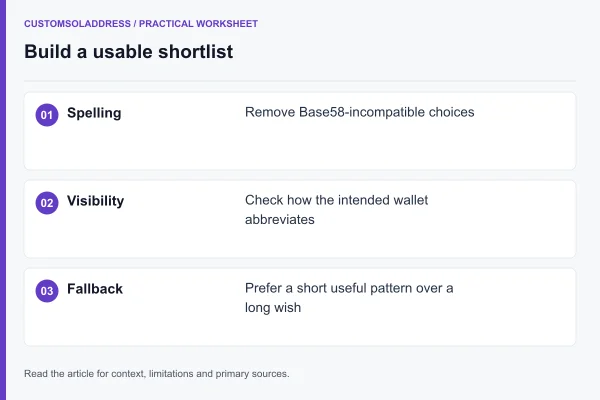
Custom Solana Address Ideas: Valid Prefixes, Suffixes and Fallbacks
Build a shortlist of valid Solana address patterns, compare prefix and suffix visibility, and choose a shorter fallback before generation.
Pattern choice8 min read
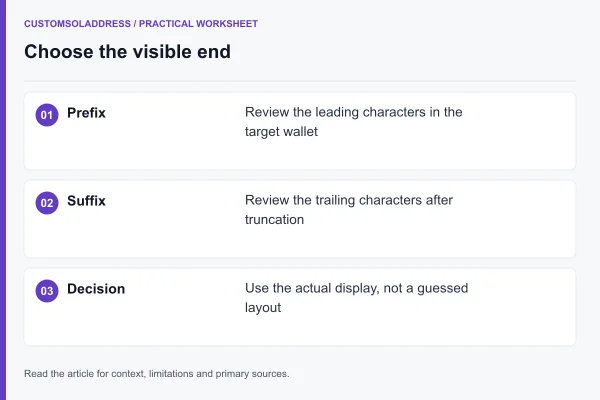
Solana Address Prefix or Suffix: Which Placement Gets Seen?
Choose between a prefix and a suffix for a custom Solana address: where wallets and explorers truncate, what each costs, and when to combine.
Fundamentals7 min read
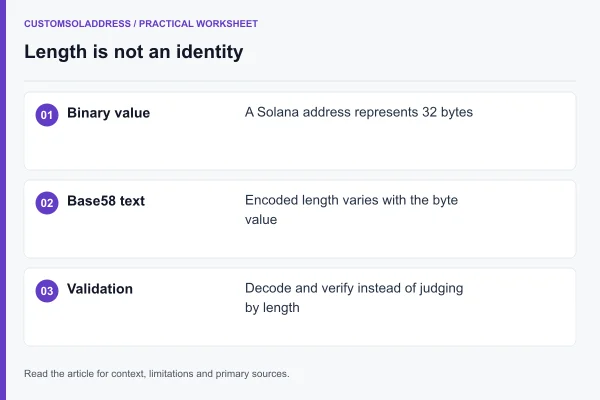
Why Solana Addresses Are 32 to 44 Characters Long
Solana addresses are 32-byte keys in Base58, so they range from 32 to 44 characters. Why lengths vary, why most are 43-44, how to validate.
Comparison6 min read
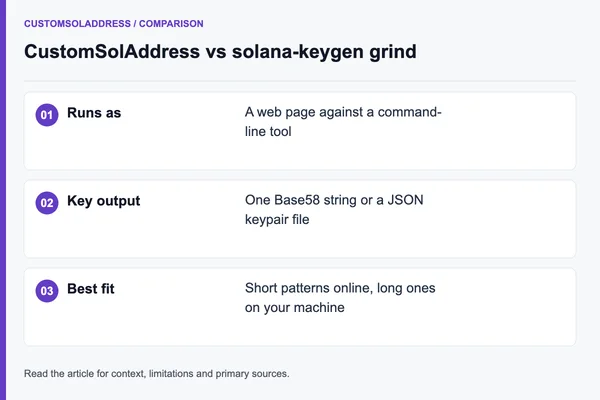
CustomSolAddress vs solana-keygen grind: Pattern Rules, Key Output and Which to Use
CustomSolAddress vs solana-keygen grind: pattern rules, length limits, letter case, keypair files, seed phrases and offline use, plus where btc-vanity fits.