
Developers
Custom Solana Program ID: Deploy With a Vanity Keypair
Give a Solana program a recognizable ID: deploy with --program-id, set declare_id! in Anchor, sync keys and separate upgrade authority.
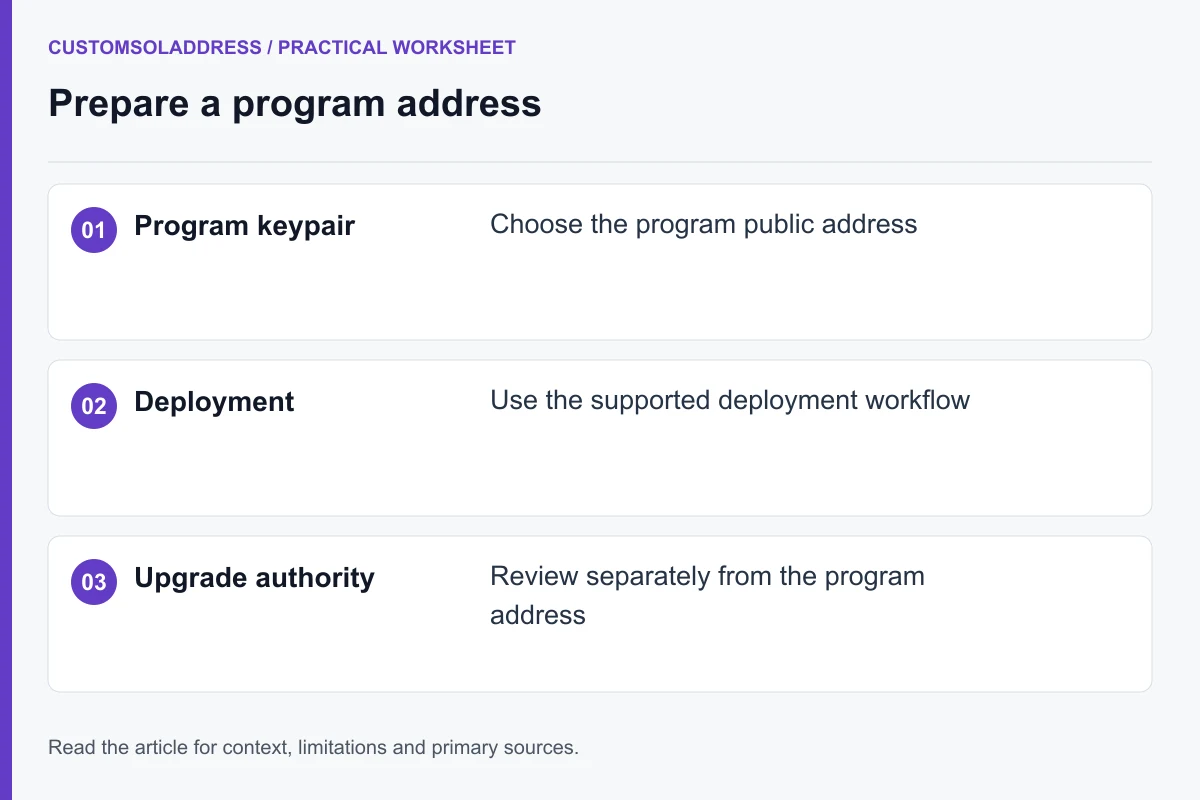
What a program ID is and where it appears
Every deployed Solana program lives at an address called its program ID. Clients put that address in every instruction they send, IDLs and SDKs hard-code it, and explorers label transactions with it. With the upgradeable BPF loader, the program ID points to a small program account, while the bytecode itself lives in a separate program data account derived from the program ID.
The program ID is fixed at first deployment and survives every later upgrade. That permanence is what makes a custom ID worthwhile: logs, CPI calls, documentation and audits will reference the same string for the life of the protocol, and a short recognizable prefix helps developers spot it in transaction logs and explorer instruction lists. The Base58 difficulty table in our guide helps you size that prefix.
Find a matching program keypair before the first deploy
Generate the keypair locally with a tool such as solana-keygen grind and keep the resulting JSON file private until the program is deployed. Anyone holding that file before your first deploy could deploy their own program at that address, so do not commit it to a public repository. After deployment, the file no longer grants control over the program.
For readability in logs, a short prefix is usually enough. Remember that a prefix starting with a character from 2 to 9 or A to H is much cheaper to find than one starting with a later letter or a lowercase letter, as the prefix or suffix guide explains. Check characters against Base58 before you start. Prefixes of up to six characters can also be found with the CustomSolAddress search form.
solana-keygen grind --starts-with Dex:1
# writes Dex....json named after its public key
solana-keygen pubkey ./Dex....json
Deploy with solana program deploy --program-id
For native Rust programs built with cargo build-sbf, the build writes the shared object and a program keypair to target/deploy. The CLI's --program-id option accepts a keypair file and, per its help text, must be a signer for initial deploys but can be a plain address for upgrades. Without the flag, the CLI uses the keypair file sitting next to the .so if present, otherwise a random address.
You can therefore either pass your vanity keypair explicitly or overwrite target/deploy/<name>-keypair.json with it before deploying. The explicit flag is safer in scripts because it removes any doubt about which file was used. The deploy output prints the program ID; confirm it matches your pattern before announcing it.
cargo build-sbf
solana program deploy target/deploy/my_program.so \
  --program-id ./DexVanityKeypair.json \
  --upgrade-authority ~/.config/solana/id.json \
  --url devnet

solana program show <PROGRAM_ID> --url devnet
Anchor: declare_id!, Anchor.toml and anchor keys sync
Anchor programs embed their own address in code with the declare_id! macro, and Anchor.toml lists program IDs per cluster under [programs.localnet], [programs.devnet] and so on. By default the ID is the public key of target/deploy/<program_name>-keypair.json, which anchor build creates the first time if it is missing. A mismatch between declare_id! and the deployed keypair makes instructions fail with a declared program ID mismatch error.
To use a vanity ID, copy your keypair over target/deploy/<program_name>-keypair.json, run anchor keys list to confirm the new public key, and run anchor keys sync, whose help text says it syncs program declare_id! pubkeys with the program's actual pubkey. Check that Anchor.toml shows the same value for the clusters you deploy to, then rebuild and deploy. The -p option limits the sync to a single program in a multi-program workspace.
cp ./DexVanityKeypair.json target/deploy/my_program-keypair.json
anchor keys list
anchor keys sync            # or: anchor keys sync -p my_program
anchor build
anchor deploy --provider.cluster devnet

// programs/my_program/src/lib.rs after sync
declare_id!("Dex...your full program id...");Using the same program ID on devnet and mainnet
A program ID is just a keypair, so the same file can deploy the same address on localnet, devnet and mainnet-beta. Teams that want consistent IDs across clusters keep a single vanity keypair for the program, deploy to devnet first to test, and deploy the identical keypair to mainnet when ready. Anchor.toml can then list the same ID under every cluster section, which keeps client configuration simple.
Deployment costs on each cluster are driven by the size of the program, because the program data account must hold enough lamports for rent exemption. The vanity keypair does not change that cost. What it changes is preparation: the keypair must exist before the first deploy on each cluster, and once a cluster has a program at that address, deploying with the same keypair becomes an upgrade, which requires the upgrade authority rather than creating a new program.
If you already deployed to devnet with a random ID and now want a vanity ID for mainnet, the code must change: update declare_id!, regenerate IDLs and update clients. Do this before audits are finalized so the audited code references the production ID.
Common pitfalls with custom program IDs
The most frequent failure is cloning a repository whose committed declare_id! does not match the keypair generated locally, then deploying to an address the code does not expect. Running anchor keys sync after cloning, or deliberately keeping a shared vanity keypair out of version control and distributing it securely, avoids this.
Program IDs differ from token mints and PDAs in how they are used, so read wallet, mint and program addresses explained if your team is deciding which address to brand. For the token side of a launch, creating a custom token mint address uses the same keypair-first approach with spl-token.
- Deploying to devnet with a random ID first, then expecting mainnet to share the vanity ID: use the same keypair on both clusters.
- Committing the program keypair to a public repo before mainnet deploy: anyone can deploy to that address first.
- Forgetting to update clients and IDLs after changing declare_id!.
- Treating the program ID keypair as the upgrade key: upgrades require the upgrade authority.
Continue the practical setup
- Solana Wallet vs Token Mint vs Program Address: Which Can Be Custom? — How Solana wallet addresses, token mints, token accounts, program IDs and PDAs differ, and which ones can carry a custom pattern.
- Custom Solana Token Mint Address: Create a Branded Mint — Use a pre-generated keypair as your SPL token mint with spl-token create-token, for Token or Token-2022, plus metadata and mint authority.
- Open the complete workflow guide to place these checks in order.
- Open the address generator when you have chosen a compatible format and pattern.
Frequently asked questions
Can I change a Solana program's ID after deployment?
No. Upgrades replace the code but keep the program ID. To get a new ID you deploy a new program and migrate clients, so choose the custom ID before the first mainnet deploy.
Where does Anchor store the program keypair?
In target/deploy/<program_name>-keypair.json. Replace that file with your vanity keypair, then run anchor keys sync so declare_id! matches.
Do I need the program keypair to upgrade?
No. The CLI accepts a plain address for --program-id on upgrades. The upgrade authority must sign, not the program ID keypair.
Can a program ID be a PDA?
Program IDs for programs deployed with the upgradeable loader come from a keypair on first deploy. PDAs are derived from a program ID and seeds, which is a different mechanism; see account types explained.
Does a custom program ID cost more to deploy?
No. Deployment cost depends on program size and rent for the program data account. The only extra effort is finding a matching keypair before the first deploy.
Sources and editorial method
The technical references below support the concepts discussed in this article. Examples and comparison worksheets are explanatory, not measured service benchmarks.
Read next
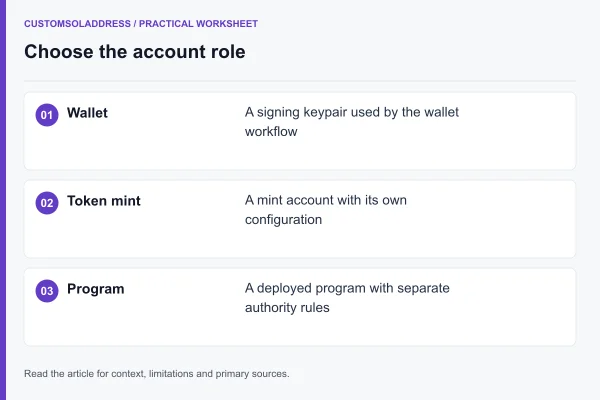
Account types7 min read
Solana Wallet vs Token Mint vs Program Address: Which Can Be Custom?
How Solana wallet addresses, token mints, token accounts, program IDs and PDAs differ, and which ones can carry a custom pattern.
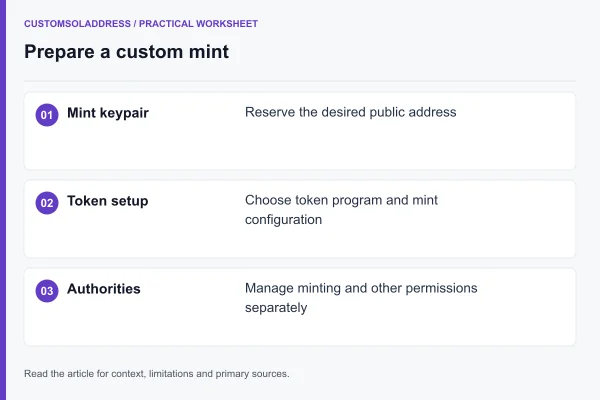
Tokens7 min read
Custom Solana Token Mint Address: Create a Branded Mint
Use a pre-generated keypair as your SPL token mint with spl-token create-token, for Token or Token-2022, plus metadata and mint authority.
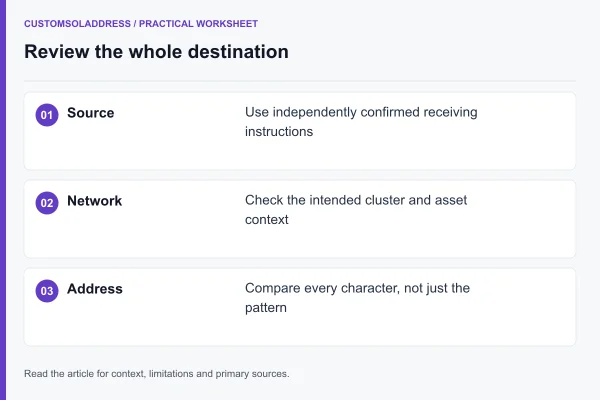
Security7 min read
Verify a Solana Address Before Sending: Checks That Work
How to verify a Solana address before sending SOL or tokens: compare the full string, spot address poisoning, test transfers, account types.
Comparison6 min read
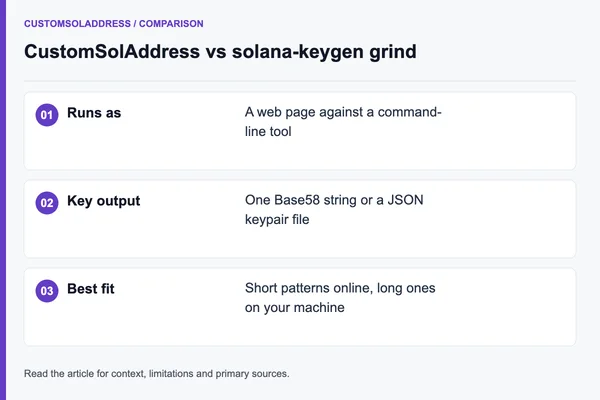
CustomSolAddress vs solana-keygen grind: Pattern Rules, Key Output and Which to Use
CustomSolAddress vs solana-keygen grind: pattern rules, length limits, letter case, keypair files, seed phrases and offline use, plus where btc-vanity fits.