Security
Verify a Solana Address Before Sending: Checks That Work
How to verify a Solana address before sending SOL or tokens: compare the full string, spot address poisoning, test transfers, account types.
Why the full address is the only reliable check
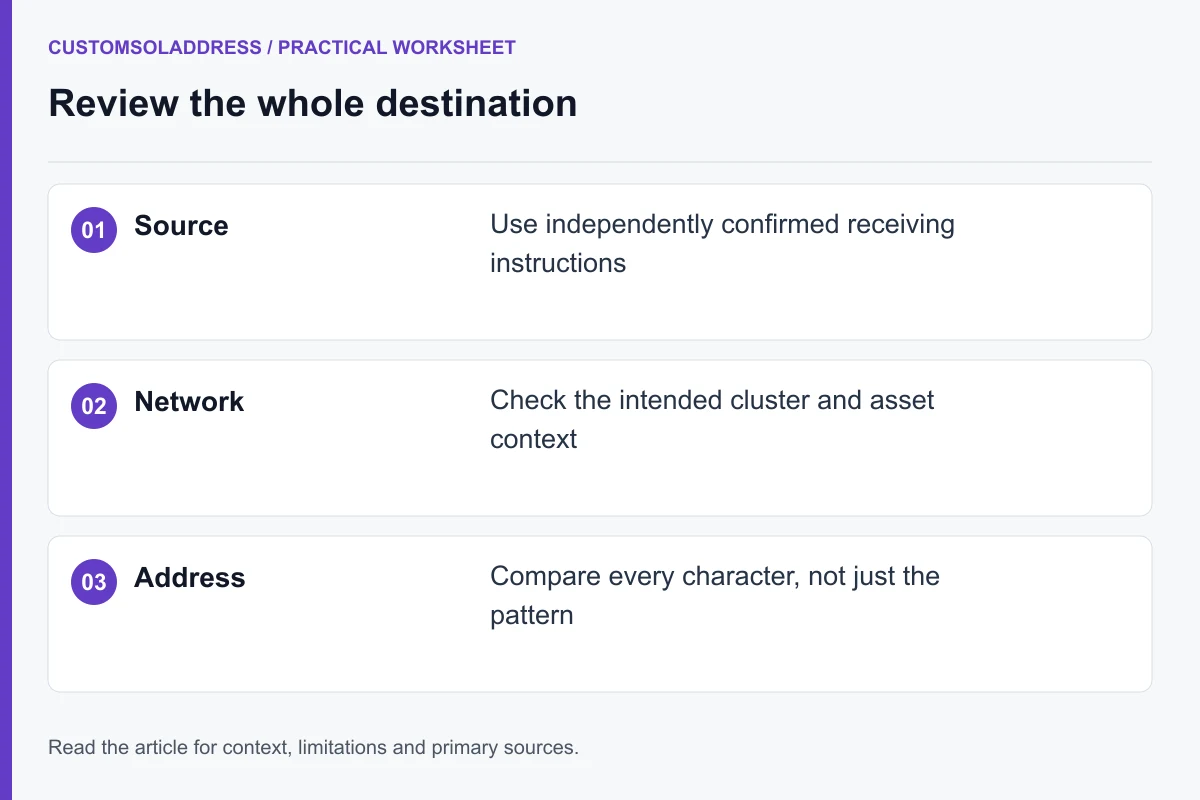
Solana transfers are final. There is no chargeback and no central party that can reverse a confirmed transaction, so the only protection is to send to the right address in the first place. Wallets and explorers usually show an abbreviated address, often a few characters at each end, and that abbreviation is where most mistakes start.
Matching ends are cheap to fake. Generating an address whose first four and last four characters match a target takes the same kind of search as a vanity address with an eight-character pattern, which is a routine search for a motivated attacker. A custom pattern on your own address helps recognition, but recipients still have to compare all 32 to 44 characters, or at least a long, unpredictable middle section. A pattern made with the CustomSolAddress generator helps you spot your own address, but it does not replace a full comparison.
Copy-paste itself can fail too. Clipboard-hijacking malware replaces a copied address with an attacker's address at the moment you paste, often choosing one with similar ends. Comparing the pasted result with the source, rather than trusting that paste worked, catches this as well. A valid-looking string can still be the wrong one; a string of the wrong length, covered in why Solana addresses are 32 to 44 characters, is at least caught by the wallet. The Solana address guide for display and checks explains why a short match is not an identity check.
Address poisoning on Solana
Address poisoning is documented on Solana by explorers and security researchers. An attacker watches your transfers, generates an address that looks like one of your regular counterparties at both ends, and sends you a tiny transfer or a worthless token from it. The fake address then sits in your transaction history right next to the real one.
The attack succeeds when you later copy the recipient from your history instead of a trusted source. Solscan has published guidance on the pattern, and the security firm Blockaid has reported a Telegram bot built to automate address poisoning on Solana. Spam token transfers from unknown addresses, sometimes called dusting, are a common warning sign.
- Never copy a recipient from transaction history or a recent-activity list.
- Treat unexpected tiny incoming transfers and unknown tokens as a signal, not as a gift; do not interact with them.
- Use the hide or spam filter features in your wallet and explorer for unknown tokens.
A step-by-step verification routine
The routine below takes a minute and covers the common failure modes. For exchange deposits, payroll and treasury payments, make it a written checklist that two people follow.
Reading in chunks works because look-alike addresses are built to match the ends, not the middle. Matching a long middle section as well would require an attacker to find a much longer pattern, which becomes impractical very quickly.
- Get the address from the source of truth: the recipient's own app, an exchange deposit page, or a signed message, never a chat forward or your history.
- Paste it and compare in three chunks: the first six, a middle six and the last six characters, read aloud or side by side.
- Confirm the network is Solana; addresses from other chains will either fail validation or belong to someone else.
- Check the account type on an explorer, as described below, before sending tokens.
- Send a small test amount for any new recipient or large transfer, and have the recipient confirm receipt by amount.
- Save the verified address in your wallet's address book with a clear label and send from the address book next time.
Check the account on an explorer before sending
Paste the address into Solana Explorer or Solscan. A normal wallet is a system account owned by the System Program and usually shows a SOL balance and token holdings. A token mint shows supply, decimals and authorities. A token account shows a single token balance and the wallet that owns it. A program is marked executable. If the page shows something other than what you expected, stop.
The CLI gives the same answer. solana account prints the Owner and Executable fields, and spl-token display decodes mints and token accounts. The account types article explains each owner value in detail.
An account that is not found is not necessarily a mistake: a brand-new wallet that has never received SOL has no on-chain account yet. In that case the test transfer and the recipient's confirmation carry the whole verification.
solana account <ADDRESS> --url mainnet-beta   # shows Owner and Executable
spl-token display <ADDRESS> # decodes mint or token account| What the explorer shows | What it means | Send SOL? | Send tokens? |
|---|---|---|---|
| System account, owner 11111111111111111111111111111111 | A normal wallet | Yes | Yes, the wallet will route to its token account |
| Token mint with supply and authorities | A token definition | No | No, this is not a holder |
| Token account with owner field | A balance held for a wallet | No | Only for that exact token; prefer the owner wallet |
| Executable program | Program code | No | No |
| Account not found | Unused or new address | Possible, but verify extra carefully | Wallet may need to create the token account |
Make the test transfer meaningful
A test transfer only helps if the recipient independently confirms it. Send an unusual amount, for example 0.0137 SOL, and ask the recipient to tell you the amount they received from their own app. If they confirm, send the remainder to the exact same saved address, not a freshly pasted copy.
Fees on Solana are small, with a base fee of 5,000 lamports per signature, so the cost of a test is negligible compared with the cost of a mistake. For token transfers to a wallet that has never held the token, the wallet also pays rent to create the recipient's token account, and that deposit is returned to whoever the owner designates when the account is eventually closed, not to the sender.
Address books, domains and custom addresses
Address books turn verification into a one-time task. Many Solana wallets, Phantom among them, let you save labeled contacts; once an address is verified, sending from the saved entry prevents copy-paste mistakes and poisoned history entries. Review saved entries occasionally and remove anything you cannot account for.
A .sol domain or a custom address pattern can make recognition easier, but neither replaces the check. A domain can be transferred or repointed, so confirm the resolved address; .sol domain vs custom address compares them. A vanity pattern can be imitated, which is why the prefix or suffix guide treats patterns as recognition aids only.
Continue the practical setup
- Review a Solana Address QR Code Before Publishing — Check the encoded value, visible address and destination context when a Solana address is presented as a QR code.
- Why Solana Addresses Are 32 to 44 Characters Long — Solana addresses are 32-byte keys in Base58, so they range from 32 to 44 characters. Why lengths vary, why most are 43-44, how to validate.
- Open the complete workflow guide to place these checks in order.
- Open the address generator when you have chosen a compatible format and pattern.
Frequently asked questions
Can a Solana transaction sent to the wrong address be reversed?
No. Confirmed Solana transactions are final. Recovery depends entirely on the owner of the receiving address returning the funds, which is why verification before sending matters.
What is address poisoning on Solana?
An attacker sends a tiny transfer or spam token from an address that looks like one of your contacts at both ends, hoping you later copy it from your history. Always take recipients from a trusted source or your address book. Hiding spam tokens and unknown senders in your wallet reduces how often poisoned entries appear in front of you.
Is checking the first and last four characters enough?
No. Attackers can generate addresses that match both ends. Compare the full address or at least a long middle section as well.
Should I send tokens to a token account or a wallet address?
Send to the recipient's wallet address. Wallets derive the associated token account automatically. Never send to a mint or program address.
How do I know an address is a wallet and not a mint?
Open it on Solana Explorer or Solscan, or run solana account. A wallet is owned by the System Program 11111111111111111111111111111111; a mint is owned by a Token program and shows supply and authorities.
Sources and editorial method
The technical references below support the concepts discussed in this article. Examples and comparison worksheets are explanatory, not measured service benchmarks.
Read next
Publishing an address3 min read
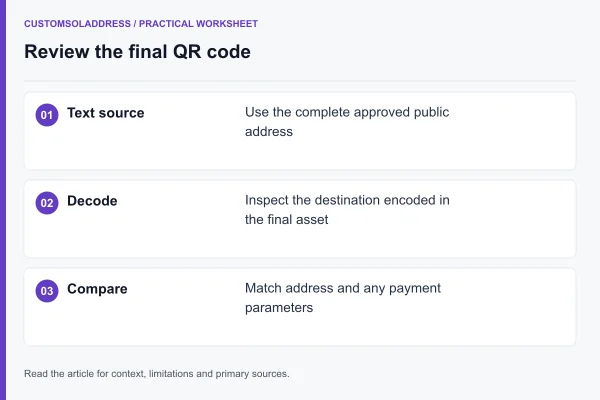
Review a Solana Address QR Code Before Publishing
Check the encoded value, visible address and destination context when a Solana address is presented as a QR code.
Fundamentals7 min read
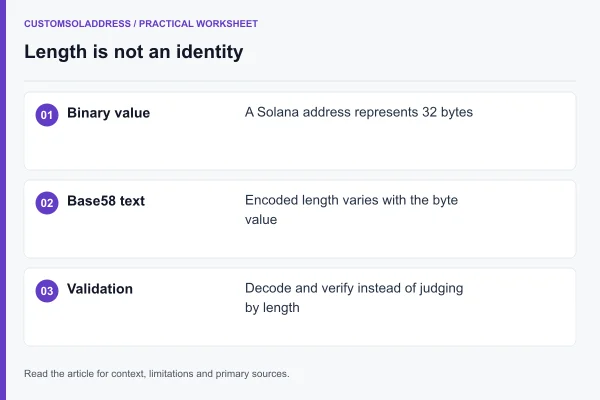
Why Solana Addresses Are 32 to 44 Characters Long
Solana addresses are 32-byte keys in Base58, so they range from 32 to 44 characters. Why lengths vary, why most are 43-44, how to validate.
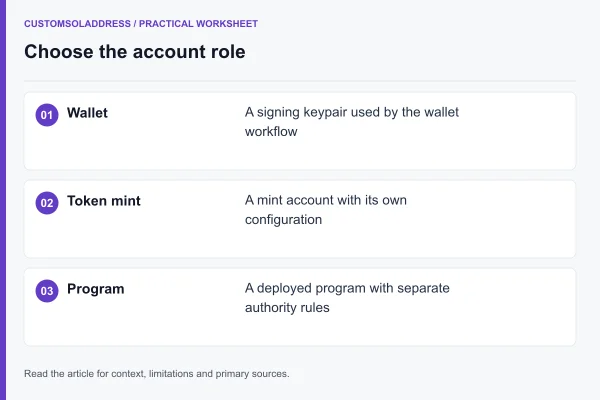
Account types7 min read
Solana Wallet vs Token Mint vs Program Address: Which Can Be Custom?
How Solana wallet addresses, token mints, token accounts, program IDs and PDAs differ, and which ones can carry a custom pattern.
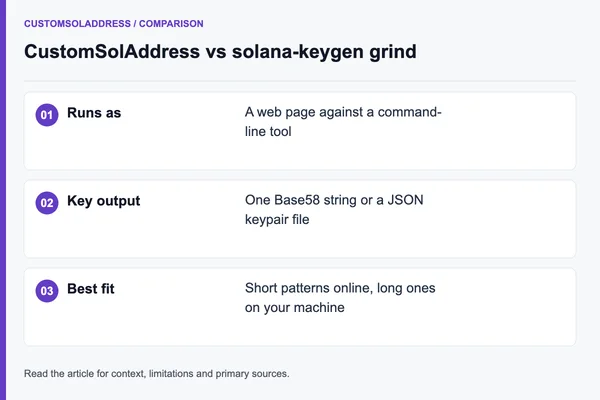
Comparison6 min read
CustomSolAddress vs solana-keygen grind: Pattern Rules, Key Output and Which to Use
CustomSolAddress vs solana-keygen grind: pattern rules, length limits, letter case, keypair files, seed phrases and offline use, plus where btc-vanity fits.