
Tokens
Custom Solana Token Mint Address: Create a Branded Mint
Use a pre-generated keypair as your SPL token mint with spl-token create-token, for Token or Token-2022, plus metadata and mint authority.
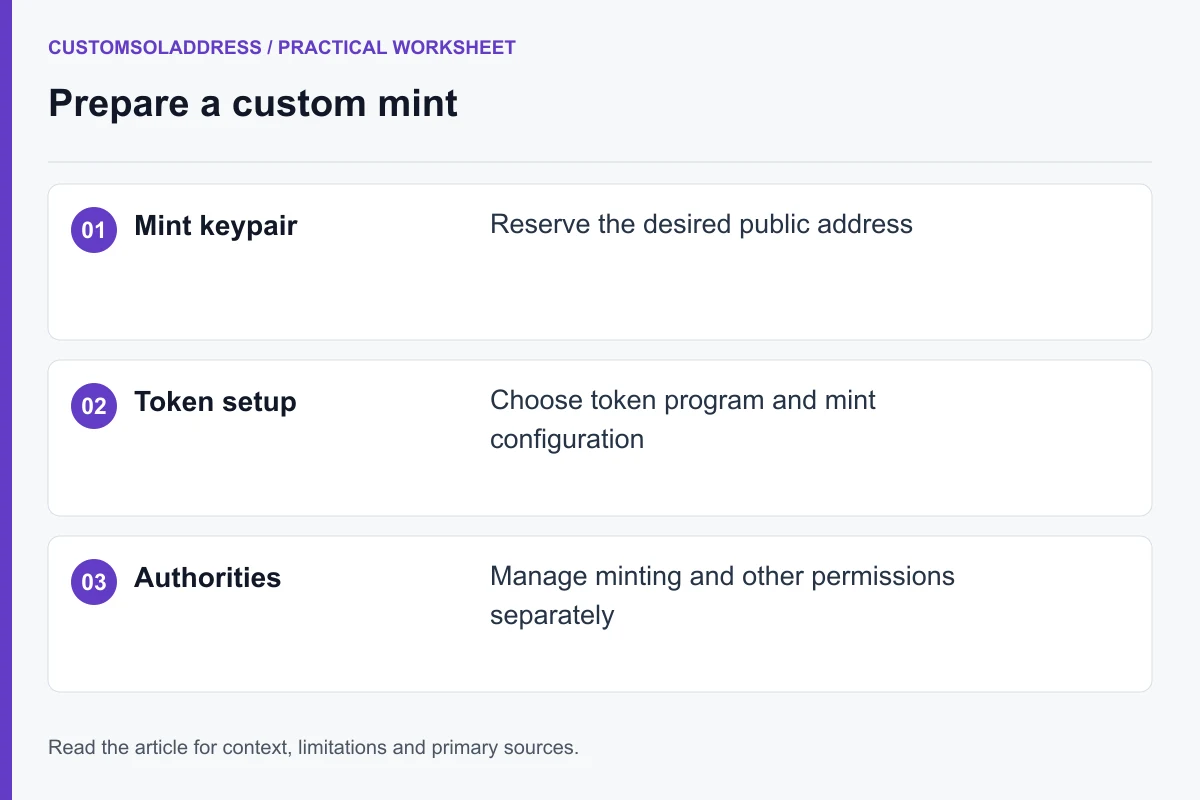
Why the mint address is the token's public identity
The mint address is the one string that uniquely identifies an SPL token. Tickers and names are not unique: anyone can create another token called the same thing with the same symbol. DEX listings, aggregators, block explorers and wallets all key tokens by mint, and serious holders check the mint before trading.
That makes the mint the natural place for a recognizable pattern. A token whose mint ends in its ticker, or starts with a short project tag, is easier for a community to recognize in a list of look-alikes. It does not make the token legitimate, since a scammer can also generate a matching mint, but it gives your official channels something easy to point at alongside the full address.
Step 1: get a keypair whose public key matches
The mint address equals the public key of the keypair that signs the mint's creation, so the pattern must be found before the token exists. solana-keygen grind is the reference local tool; it writes each match to a file named after its public key. Because the mint keypair has no ongoing authority after creation, its secrecy matters mainly until the token is created, but keep it private until then so nobody can front-run the same address. For a pattern of up to six characters you can also use the web-based Solana pattern generator, then write its 64-byte secret into a keypair file.
Choose the pattern with the token's display contexts in mind. Token pages and DEX search results usually show the mint abbreviated, and both ends are visible; the prefix or suffix guide explains why a suffix is often cheaper than a prefix starting with a late-alphabet letter. Validate every character against Base58 first. The Solana pattern guide collects the character and length rules in one place.
# Find one keypair whose address ends with "Nova" (exact case)
solana-keygen grind --ends-with Nova:1
# Output file is named after the public key, e.g. <PUBKEY>.json
Step 2: create the mint with spl-token create-token
spl-token create-token accepts an optional positional TOKEN_KEYPAIR argument, described in its help as the token keypair, either a keypair file or the ASK keyword. If you omit it, a random keypair is generated, which is how most tokens end up with random-looking mints. Pass your matching file and the new mint takes its address.
The fee payer and default mint authority come from your Solana CLI configuration unless you override them with --fee-payer and --mint-authority. --decimals sets the precision and defaults to 9. Run the whole sequence on devnet first with --url devnet; the mint address will be identical on mainnet only if you use the same keypair there, and a keypair can create a given account only once per cluster.
# Classic SPL Token program
spl-token create-token --decimals 6 ./NovaMintKeypair.json

# Token-2022 (token extensions) with on-mint metadata enabled
spl-token create-token --program-2022 --enable-metadata --decimals 6 ./NovaMintKeypair.json

# Equivalent explicit program id form
spl-token create-token -p TokenzQdBNbLqP5VEhdkAS6EPFLC1PHnBqCXEpPxuEb ./NovaMintKeypair.json
Step 3: add name, symbol and image metadata
A bare mint has no name, symbol or logo. With Token-2022 you can store metadata in the mint itself: create the mint with --enable-metadata, then run spl-token initialize-metadata with the mint address, name, symbol and a URI pointing to a JSON file that references the image. The mint authority must sign this step.
With the classic Token program, metadata is usually attached through the Metaplex Token Metadata program instead, which creates a separate metadata account derived from the mint. Either way, the custom address works the same: metadata is attached to whatever mint address you created, so the vanity pattern and the metadata are independent decisions.
spl-token initialize-metadata <MINT_ADDRESS> "Nova" "NOVA" https://example.com/nova.jsonThe pump suffix and other launchpad conventions
Browsing tokens launched through pump.fun on an explorer shows a visible pattern: many of their mint addresses end in the four characters pump. The pattern is an observed convention of that launchpad's mint generation, not a protocol rule, and the platform's own documentation does not spell out how it is produced. Third-party tools that grind keypairs ending in pump exist precisely to mimic it.
Treat such suffixes as branding, never as proof of origin. Any project can grind a mint ending in pump, or in your ticker, so the suffix does not show which platform or team created a token. Verify the full mint against the project's official channels and check the authorities, as the address verification guide describes.
For your own token, a suffix that repeats your ticker is usually more useful than borrowing a launchpad convention, since it ties the mint to your brand rather than to a platform.
Launch checklist for a custom mint
Before announcing the token, confirm each item below on the cluster you launch on. Publish the full mint address in every official channel so holders never need to rely on the pattern alone. For pattern inspiration that stays inside Base58, see Solana address pattern ideas.
- spl-token display shows the expected mint address, program, decimals and supply.
- Mint authority, and freeze authority if one exists, are either intentionally kept or disabled.
- Metadata name, symbol and URI resolve correctly in at least two wallets or explorers.
- The mint keypair file is deleted or archived offline; it no longer controls anything.
- Full mint address is published on the website and social profiles.
Continue the practical setup
- Solana Wallet vs Token Mint vs Program Address: Which Can Be Custom? — How Solana wallet addresses, token mints, token accounts, program IDs and PDAs differ, and which ones can carry a custom pattern.
- Custom Solana Program ID: Deploy With a Vanity Keypair — Give a Solana program a recognizable ID: deploy with --program-id, set declare_id! in Anchor, sync keys and separate upgrade authority.
- Open the complete workflow guide to place these checks in order.
- Open the address generator when you have chosen a compatible format and pattern.
Frequently asked questions
Can I change a token's mint address after creation?
No. The mint address is fixed when the account is created. To get a different address you must create a new mint and migrate holders, which is why the pattern has to be chosen before launch.
Do I need to keep the mint keypair after creating the token?
It no longer controls the token; the mint authority does. The keypair cannot recreate the same mint on that cluster while the account exists. Many teams still archive it offline in case a tool asks for it during setup.
Does a custom mint address work with Token-2022?
Yes. spl-token create-token takes the same TOKEN_KEYPAIR argument with --program-2022, or with -p set to the Token-2022 program ID TokenzQdBNbLqP5VEhdkAS6EPFLC1PHnBqCXEpPxuEb.
Does ending in pump mean a token came from pump.fun?
No. It is a common pattern among tokens launched there, but anyone can generate a mint with that ending. Check the full mint address against official sources instead of trusting a suffix.
Is a custom mint address more expensive to create?
The on-chain creation costs the same rent and fees as any mint. The extra cost is the computation to find a matching keypair, which grows by roughly 58 times for each additional exact-case character.
Sources and editorial method
The technical references below support the concepts discussed in this article. Examples and comparison worksheets are explanatory, not measured service benchmarks.
Read next
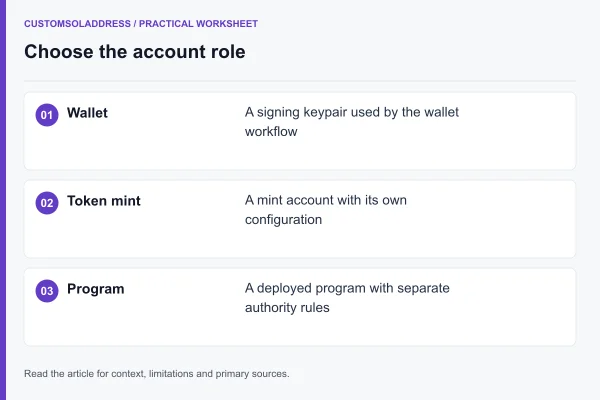
Account types7 min read
Solana Wallet vs Token Mint vs Program Address: Which Can Be Custom?
How Solana wallet addresses, token mints, token accounts, program IDs and PDAs differ, and which ones can carry a custom pattern.
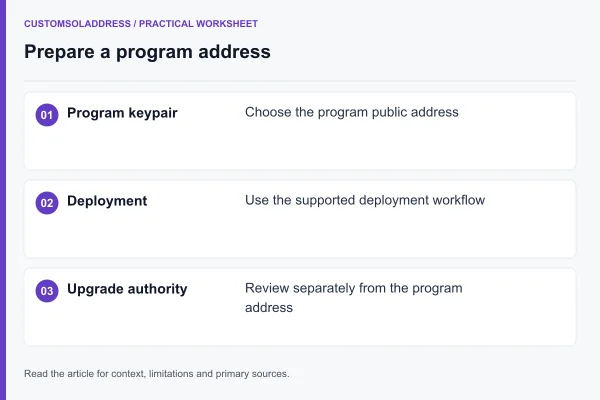
Developers7 min read
Custom Solana Program ID: Deploy With a Vanity Keypair
Give a Solana program a recognizable ID: deploy with --program-id, set declare_id! in Anchor, sync keys and separate upgrade authority.
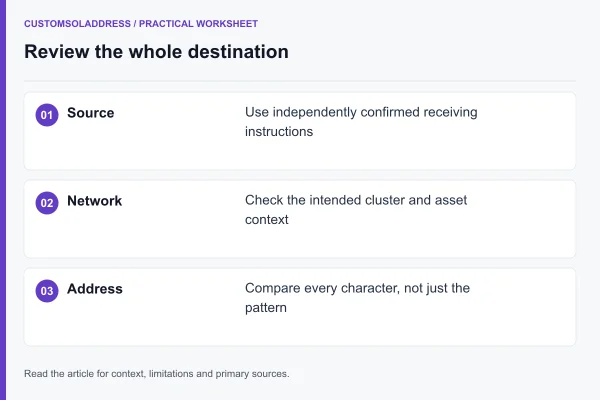
Security7 min read
Verify a Solana Address Before Sending: Checks That Work
How to verify a Solana address before sending SOL or tokens: compare the full string, spot address poisoning, test transfers, account types.
Comparison6 min read
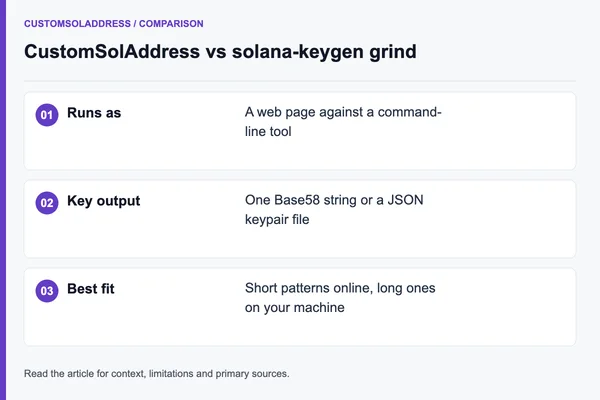
CustomSolAddress vs solana-keygen grind: Pattern Rules, Key Output and Which to Use
CustomSolAddress vs solana-keygen grind: pattern rules, length limits, letter case, keypair files, seed phrases and offline use, plus where btc-vanity fits.